


Add your State digital Visa card to
Google WalletTM. Makecontactless payments with
Google Pay.TM
Welcome to easy, fast and secure payments.


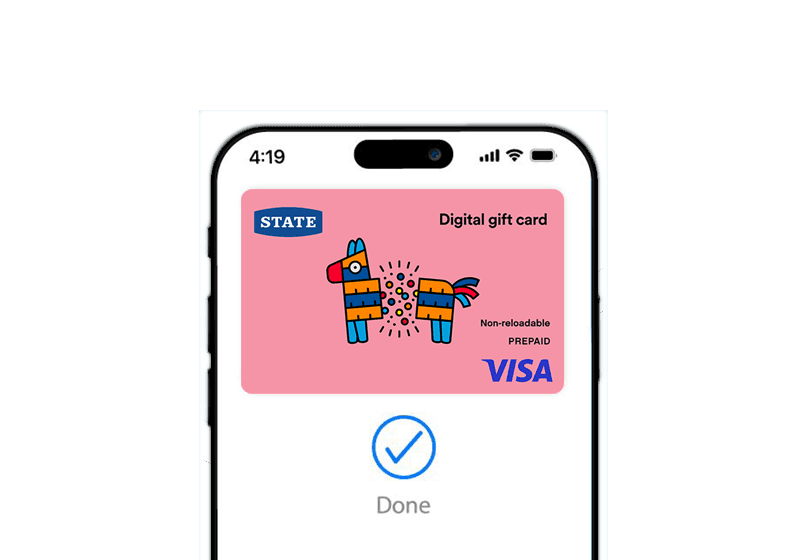
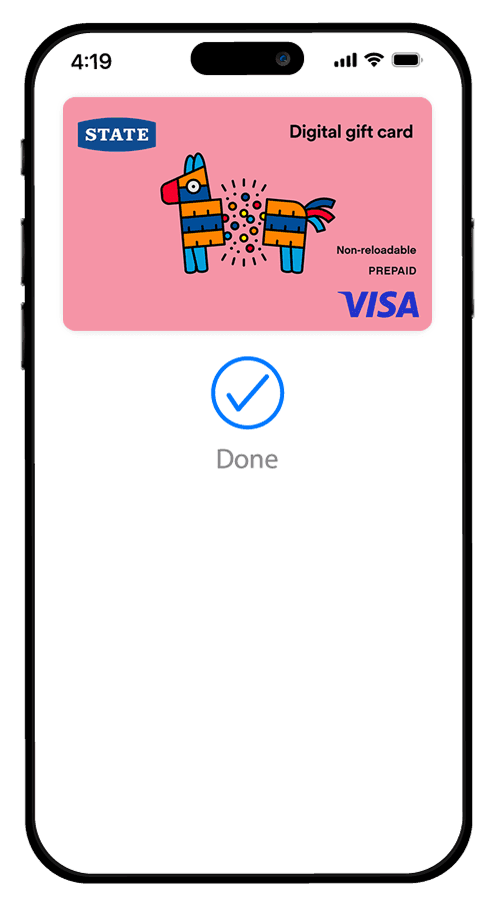
Adding your State digital Visa card to
Google Wallet is easy.

Here's how to get started:
- Open the wallet app on your phone.
- Tap Add a card.
- Enter card number manually as shown on the Card Details page
by clicking on the eye icon. - Save and continue.
- Accept the Wallet app T&Cs .
- Your card is ready to use via tap and go in-store.
Support Link

Compatible with
Card Issued by Oxygen Global NZ Ltd ACN 7872796
Copyright © Oxygen Global 2025. All rights reserved.
Google Pay and Google Wallet are trademarks of Google LLC.